



You got a hardware ban. You made a new account — instant ban. You reinstalled Windows — still banned. New email, fresh Epic account, different launcher — the ban follows you everywhere. That’s an HWID ban, and it’s the harshest punishment in modern gaming. This guide explains exactly what it is, how it works, and what an HWID spoofer does to fix it.
What Does HWID Stand For?
HWID stands for Hardware Identifier. Every component inside your PC has a unique serial number built into it — your motherboard, CPU, GPU, hard drives, SSDs, and network card all have individual IDs that identify them as specific pieces of hardware.
When you launch a game with a kernel-level anti-cheat like Ricochet, BattlEye, or Easy Anti-Cheat, the anti-cheat driver reads these hardware IDs and builds a fingerprint of your machine. That fingerprint is unique to your specific PC — the same way a fingerprint is unique to a person.
When you receive a hardware ban, the game publisher adds your machine’s fingerprint to a blacklist. From that point on, any account launched from your machine is automatically flagged — not because of the account, but because of the hardware running it.
Why Creating a New Account Doesn’t Work
This is the part that catches most players off guard. An account ban and a hardware ban are completely different punishments.
With an account ban, deleting the account and creating a new one works. The anti-cheat tracks the account, not the machine.
With a hardware ban, the anti-cheat ignores the account entirely. It reads your hardware fingerprint first. The moment it recognizes your machine as banned hardware, any account on it gets flagged — instantly, before you’ve even made a single move in-game. It doesn’t matter if the account is brand new. It doesn’t matter if you used a different email. The machine itself is the banned entity.
⚠️ Common mistake:
Reinstalling Windows does not fix an HWID ban. A fresh Windows install does not change your hardware serial numbers. Your motherboard, disk drives, and network card retain their exact same identifiers after a reinstall. The anti-cheat will still recognize your machine.
What Is an HWID Spoofer?
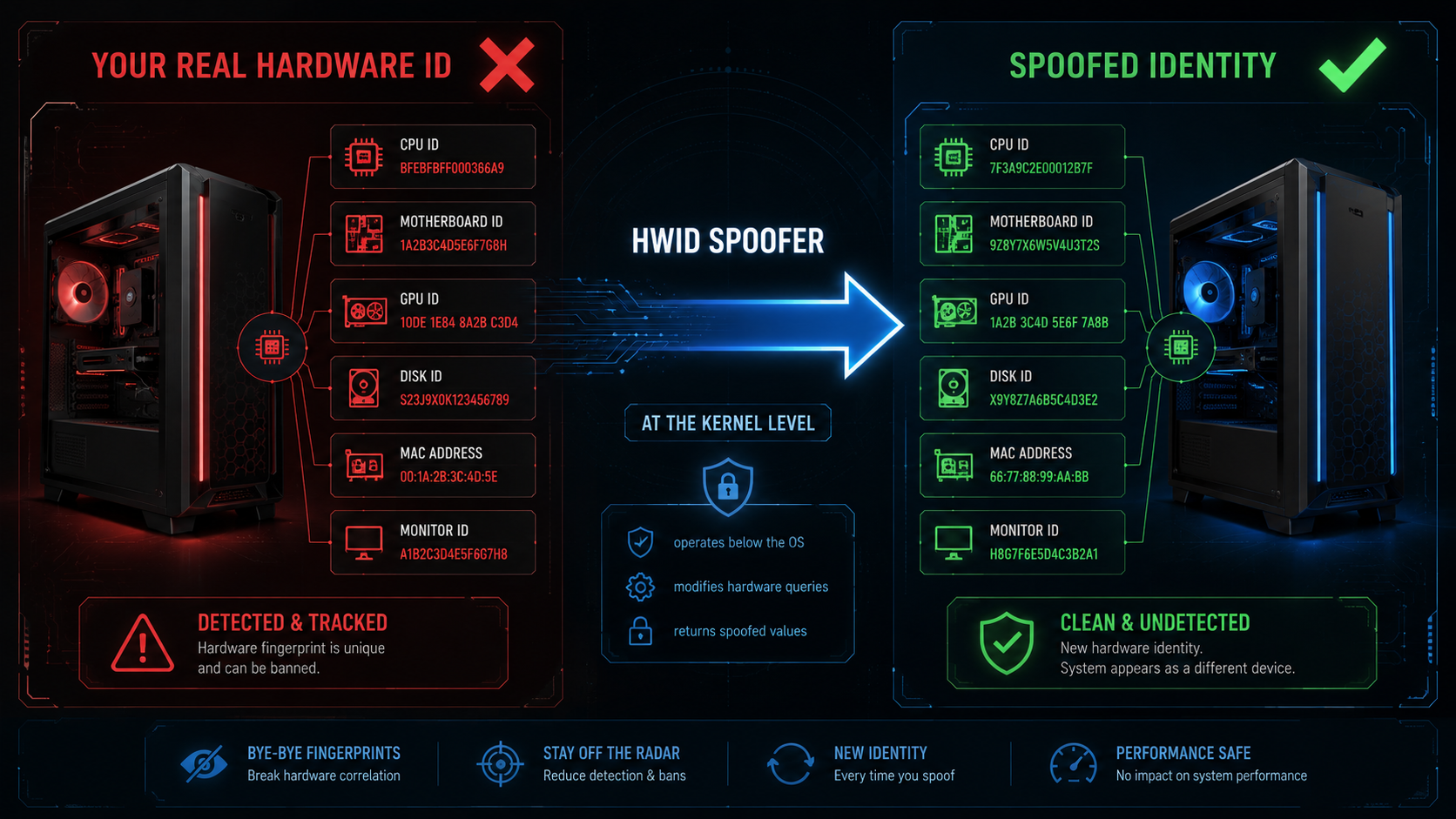
An HWID spoofer is software that replaces your PC’s real hardware identifiers with fake, randomized ones. When the anti-cheat driver queries your hardware, the spoofer intercepts those queries at the kernel level and returns different values — values that don’t match any entry on the banned hardware list.
The result: your PC appears to be a completely different machine. The anti-cheat sees an unknown, unbanned hardware fingerprint and lets you through.
Think of it like a car with different license plates. The car itself hasn’t changed — but anyone checking the plate sees a different identity and finds nothing in their system.
A quality spoofer doesn’t just change one or two values. It changes every identifier the anti-cheat checks, and it does so at the kernel level — the same level where anti-cheat drivers operate. This is not optional. User-mode spoofers that don’t load a kernel driver will not work against any modern anti-cheat.
What an HWID Spoofer Actually Changes
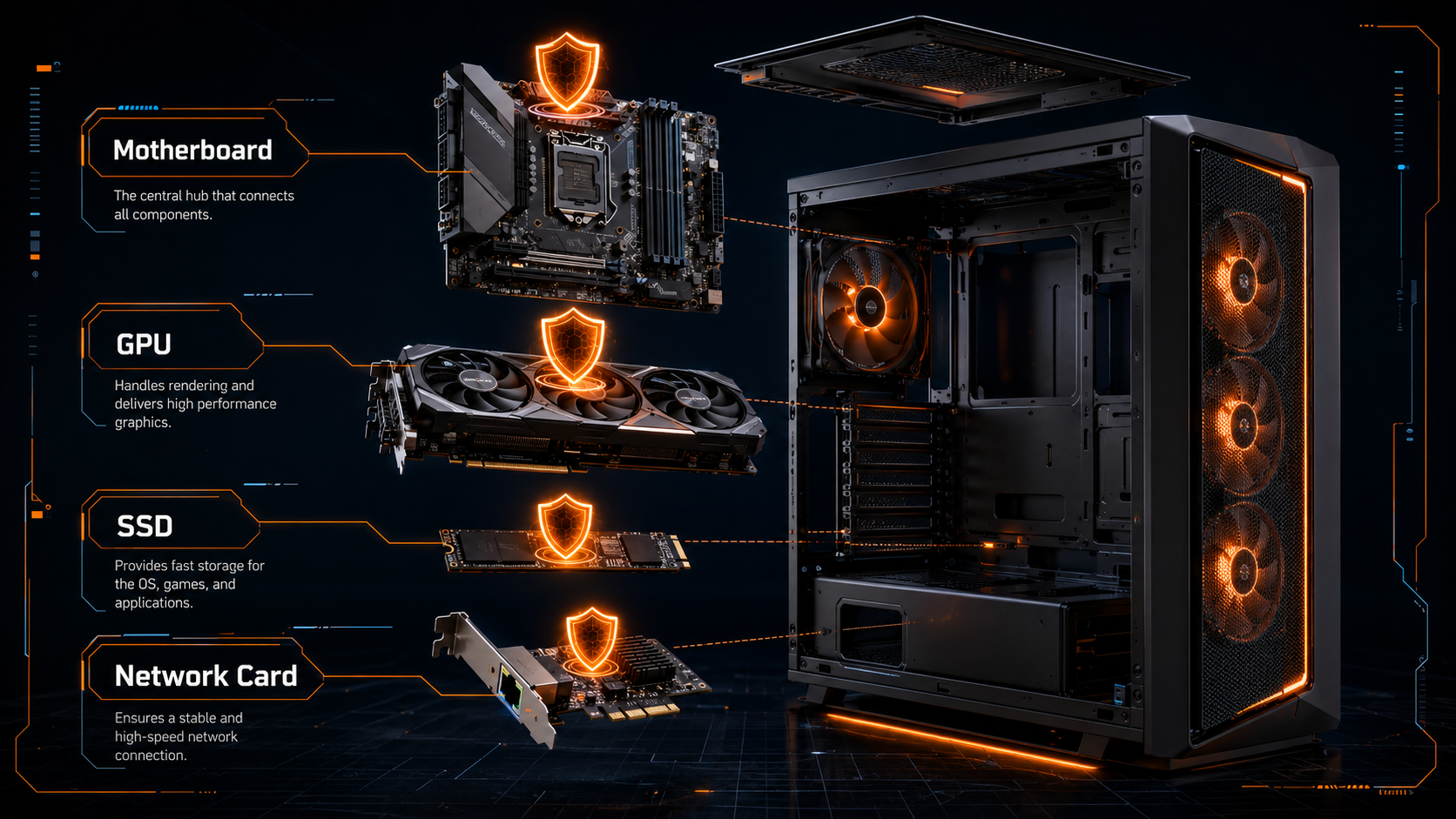
A proper HWID spoofer covers every detection vector that modern anti-cheats use. Here’s what gets changed:
Motherboard SMBIOS Data
The most critical component. SMBIOS contains your motherboard’s serial number, manufacturer info, product identifiers, and UUID. Anti-cheat reads this first. A spoofer replaces all of it with randomized values.
Disk Drive Serial Numbers
Every HDD and SSD in your PC has a unique volume serial number. The spoofer generates new random serials so your storage devices appear to be different hardware entirely.
MAC Address
Your network adapter has a hardware MAC address that anti-cheat systems track. The spoofer randomizes this so your network connection appears to come from a different machine.
GPU Identifiers
Modern anti-cheats check graphics card serial numbers and device IDs. The spoofer masks these values so your GPU appears as different hardware in the anti-cheat’s scan.
Registry Traces & Anti-Cheat Breadcrumbs
Anti-cheat systems leave tracking files and registry entries on your PC from previous sessions. A good spoofer cleans all of these so there’s nothing connecting your new hardware identity to the banned one.
Temporary vs Permanent Spoofing
There are two types of HWID spoofing and understanding the difference matters.
Temporary spoofing changes your hardware identifiers only while the spoofer software is running. When you reboot, your real hardware IDs return. This is the most common and generally safest approach — you’re not permanently altering anything on your machine.
Permanent spoofing writes new hardware identifiers directly to your system so they persist across reboots without needing to run the spoofer each time. This is more convenient but carries higher risk if the implementation is poor — if the changes are inconsistent or detectable, the anti-cheat can flag the anomaly.
For most players dealing with an HWID ban, a quality temporary spoofer run before each gaming session is the recommended approach. Our HWID Spoofer handles this with a simple one-click process before you launch your game.
Does a VPN Protect Against HWID Bans?
No — and this is one of the most common misconceptions in gaming. A VPN changes your IP address. That’s it. Hardware bans have nothing to do with your IP address.
When EAC or BattlEye runs a hardware fingerprint check, it reads your hardware serial numbers directly from your system at the kernel level. That data never leaves your machine — it’s a local hardware call. Your VPN is completely invisible to this process.
A VPN is like wearing a hat to change how you look on a security camera. The building’s fingerprint scanner doesn’t care about the camera — it checks your actual fingerprints. Only an HWID spoofer can change those.
VPNs still have legitimate uses for gamers — protection against DDoS attacks, IP-based bans on older games, regional pricing — but they provide zero protection against hardware bans from EAC, BattlEye, Ricochet, or Vanguard.
How to Tell If You Have an HWID Ban
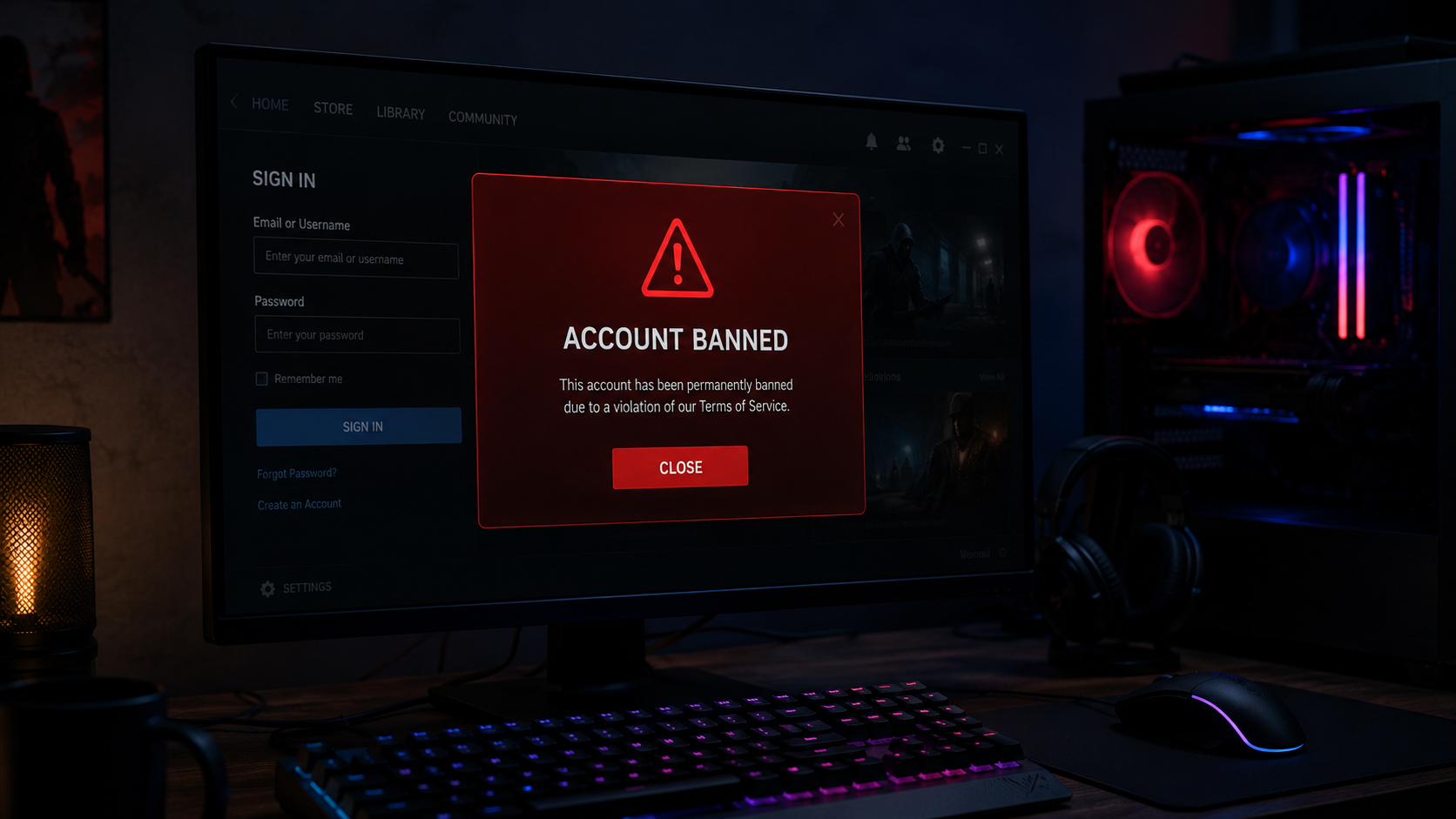
The most reliable way to confirm an HWID ban is the new account test:
- Create a brand new game account using a completely fresh email address — one that has no connection to your banned account
- Do not run any spoofer, change any settings, or modify anything before this test
- Launch the game on the new account
- If the new account gets banned immediately or at the first launch — you have an HWID ban
- If the new account works normally — your ban was account-level only, and a new account is all you need
If you confirm an HWID ban, the only technical solution is a kernel-level spoofer. Physical hardware replacement (swapping your motherboard or drives) also works but costs significantly more than a spoofer subscription.
Who Else Might Have an HWID Ban Without Knowing It
HWID bans don’t only affect players who were caught cheating. There are three other common situations:
Bought a used PC. If the previous owner was hardware banned from any game, that ban travels with the machine. You could be instantly banned from games you’ve never cheated in, simply because of what happened on that hardware before you owned it.
Shared a PC. If someone else using your machine received a hardware ban — a family member, a roommate, anyone — every account on that machine is affected, including yours.
False positive bans. Anti-cheat systems make mistakes. False positive hardware bans happen, and if your appeal fails, spoofing is the only way to keep playing. Our HWID Spoofer works for all three situations — whether you were banned, inherited a ban, or were falsely flagged.
What to Look For in an HWID Spoofer
Not all spoofers are built the same. Here’s what actually separates a working spoofer from one that gets you caught:
Spoofer Evaluation Checklist
Kernel-level operation — Must load a kernel driver. User-mode spoofers do not work against modern anti-cheats. No exceptions.
Covers all detection vectors — SMBIOS, disk serials, MAC address, GPU IDs, registry traces. If any are missed, the anti-cheat finds the inconsistency.
Actively maintained — Anti-cheats push silent updates regularly. A spoofer that worked last month may be detected today if the developer isn’t keeping up with patches.
Mapped driver loading — The spoofer driver should load without leaving a visible entry in the loaded modules list. If the anti-cheat can see a spoofing driver is loaded, it flags the machine even if the spoofed values look clean.
Zero performance impact — A quality spoofer runs silently with no effect on FPS, load times, or system stability. If a spoofer is impacting your game performance, something is wrong.
SecureCheats has been operating since 2015. Our HWID Spoofer operates at the kernel level, covers all detection vectors used by EAC, BattlEye, and Ricochet, and is maintained through every anti-cheat update. If you’re running any of our game enhancement products, pairing them with the HWID Spoofer gives you hardware-level protection on top of software-level undetection.
Hardware banned? We can fix that.
The SecureCheats HWID Spoofer covers all detection vectors — SMBIOS, disk serials, MAC address, GPU IDs, and registry traces. Kernel-level operation, one-click setup, maintained through every anti-cheat update.
Frequently Asked Questions
What is an HWID spoofer?
An HWID spoofer is software that replaces your PC’s real hardware identifiers with fake randomized ones. Anti-cheat systems use these identifiers to fingerprint your machine and enforce hardware bans. A spoofer makes your PC appear as a completely different machine so you can play again after a hardware ban.
Does reinstalling Windows fix an HWID ban?
No. Reinstalling Windows does not change your hardware serial numbers. Your motherboard, disk drives, and network card retain the same identifiers after a fresh install. Only a kernel-level HWID spoofer can change what anti-cheat systems actually read.
What does an HWID spoofer actually change?
A proper HWID spoofer changes your motherboard SMBIOS data, disk drive serial numbers, MAC address, GPU identifiers, Windows Product ID, and cleans anti-cheat registry traces. It intercepts hardware queries at the kernel level and returns randomized fake values instead of your real hardware data.
Does a VPN protect against HWID bans?
No. A VPN only changes your IP address. Hardware bans are based on your physical hardware serial numbers which never leave your machine. Anti-cheat systems like EAC, BattlEye, and Ricochet read hardware identifiers at the kernel level and a VPN has no effect on this process.
How do I know if I have an HWID ban?
Create a brand new game account with a fresh email address without running any spoofer. If the new account gets banned instantly or at first launch, you have an HWID ban. If the new account works normally, your ban was account-level only.
Author & Review
Written by: Raziel — Lead Engineer, 15+ years in reverse engineering & anti-cheat research
Reviewed by: SC Quality Assurance — Former anti-cheat analyst
Last updated: May 2026
The SecureCheats team includes engineers, reverse-engineers, and security analysts with 40+ combined years of experience. We test every claim on this page against live anti-cheat systems before publishing.
